Why I built it
Advanced Custom Fields is often used for small, practical content structures where one image field is not enough, but a full gallery setup may be more than the project needs.
I built this plugin for those simpler cases: when a page, post, product, portfolio item, or custom post type needs a small group of images that can be selected, reordered, and reused cleanly.
The goal was not to replace ACF Pro or duplicate every feature of the Gallery field. The goal was to add a focused multi-image field that works with the native WordPress Media Library and stays easy to understand.
What it does
Marbak Multi Image Field for ACF adds a custom field type to Advanced Custom Fields.
It allows you to:
- select multiple images from the WordPress Media Library
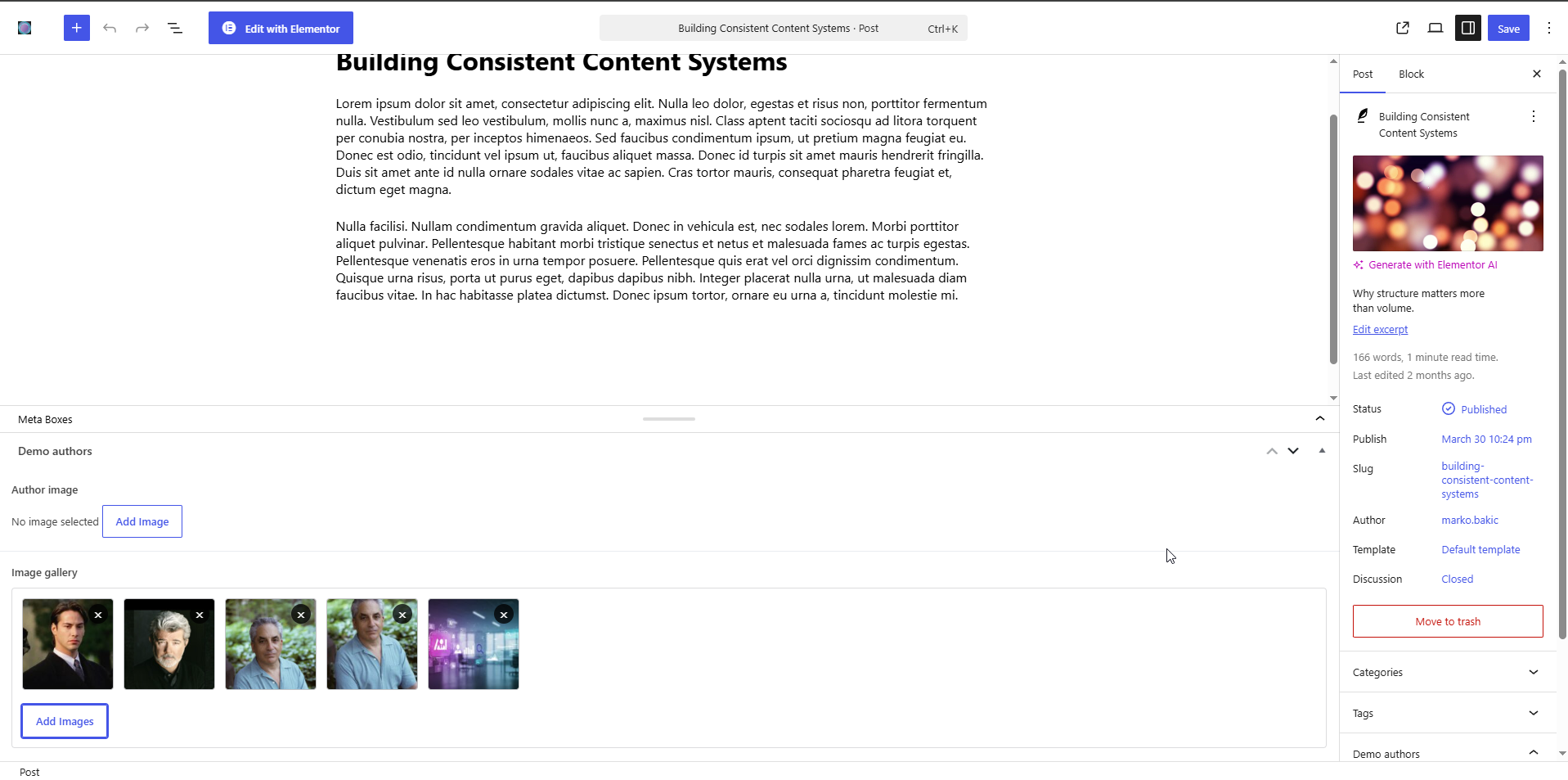
- preview selected images inside the field
- reorder images with drag and drop
- remove images easily
- store images as an ordered list of attachment IDs
- return image values as Image Array, Image URL, or Image ID
- use the field with Elementor Pro gallery-capable widgets through an optional dynamic tag
The field is added inside ACF like any other field type, so it fits naturally into existing field groups.
Use cases
This plugin is useful when you need:
- a simple image gallery for a page or custom post type
- multiple project images for portfolio entries
- a small image collection for product, service, or case study content
- an ACF-based image field that can be reused in Elementor templates
- a lightweight multi-image option without building a larger custom solution
- ordered image output that can be handled in a theme, template, or page builder setup
It is designed for practical image selection, not for managing a full media workflow.
Interface / How it works
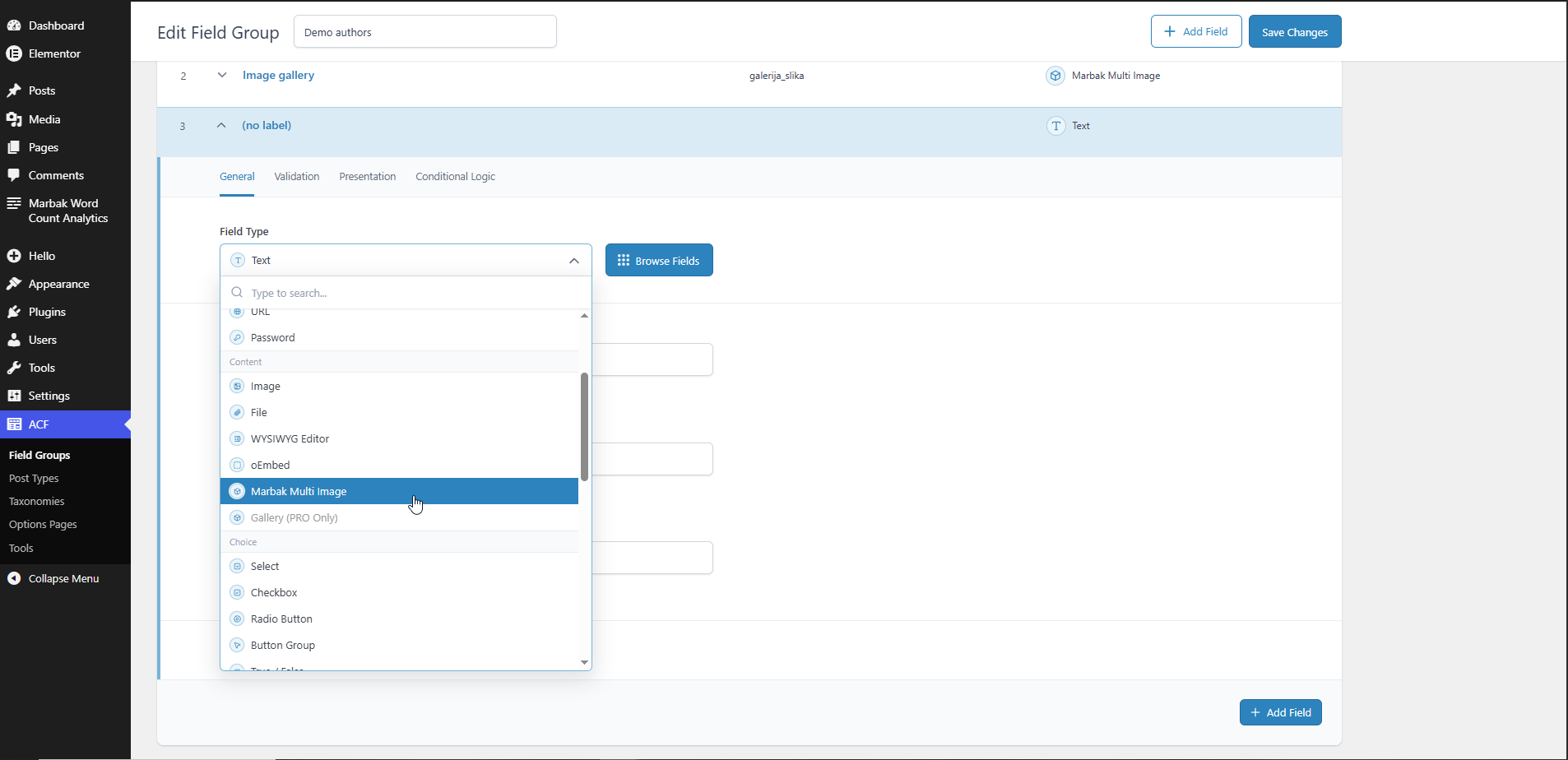
After the plugin is active, a new Marbak Multi Image field type becomes available inside ACF field groups.
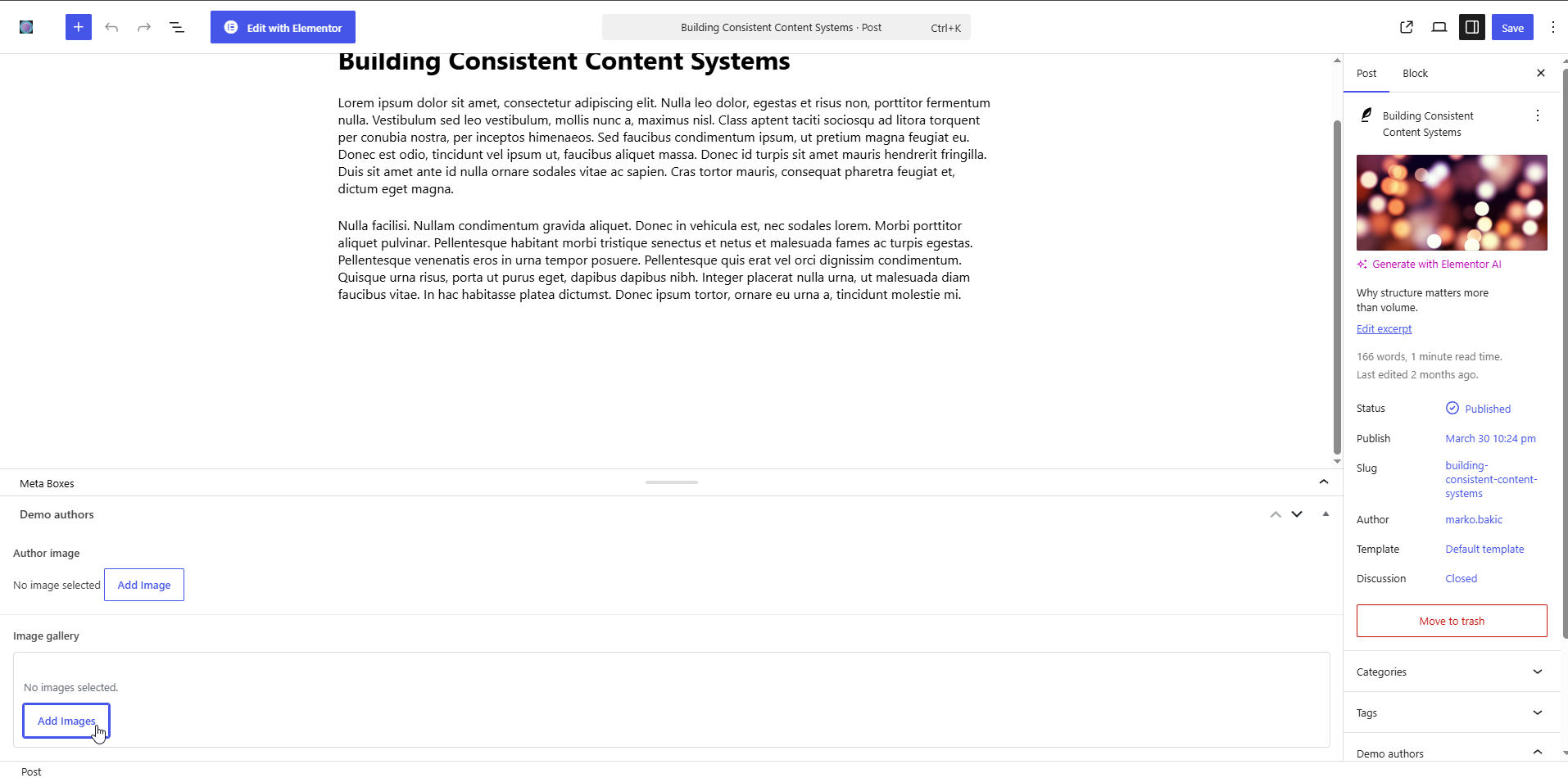
In the editor, the field starts with a simple empty state. Images can be added from the WordPress Media Library, displayed as previews, reordered by dragging, or removed from the field.
The field stores the selected images as an ordered array of attachment IDs. Depending on the selected return format, those images can be returned as image arrays, image URLs, or image IDs.
If Elementor Pro is active, the plugin also adds a custom dynamic tag that can be used with gallery-capable Elementor widgets such as Gallery and Basic Gallery.
Scope / Philosophy
This is intentionally a small addon for ACF.
It focuses on one clear job: adding a lightweight multi-image field type that works with the native WordPress Media Library.
It does not try to replace ACF Pro, duplicate the full ACF Pro Gallery field, or turn into a large media management plugin. That limitation is intentional. The plugin is meant to stay narrow, predictable, and easy to use in real WordPress projects.
Notes
- Requires Advanced Custom Fields to be installed and active
- Requires WordPress 6.0 or newer
- Requires PHP 7.4 or newer
- Elementor Pro support is optional and only applies to gallery-capable widgets
- The plugin is available for free on WordPress.org
Availability
Marbak Multi Image Field for ACF is available on WordPress.org:
→ https://wordpress.org/plugins/marbak-multi-image-field-for-acf/