Why I built it
Moving WordPress content between sites is usually simple only when you move the whole database or use a full migration tool.
But that is not always what you need.
Sometimes you only want to move one structured content segment: a specific taxonomy, its terms, and the posts connected to those terms. This is common on sites that use custom taxonomies, custom post types, and ACF fields to organize content.
That was the problem this plugin was built for.
Marbak Taxonomy & Posts Transfer is a small tool for moving selected taxonomy-based content from one WordPress site to another without migrating the entire site.
What it does
The plugin allows you to export selected taxonomy terms together with the posts assigned to those terms.
It can include:
- Selected taxonomy terms
- Related posts assigned to those terms
- Term meta
- Post meta
- ACF field data
- Featured image URLs
- Taxonomy relationships
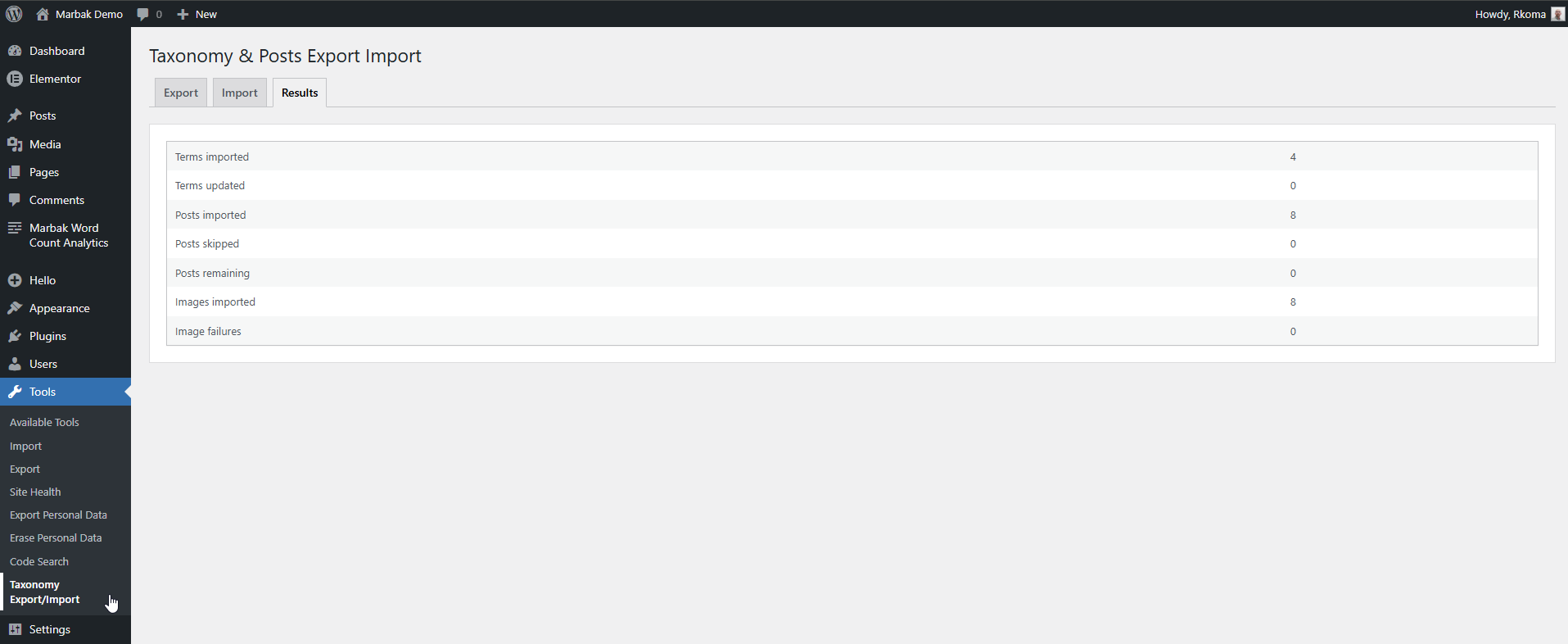
On import, the plugin creates the terms and imports the related posts into the destination site.
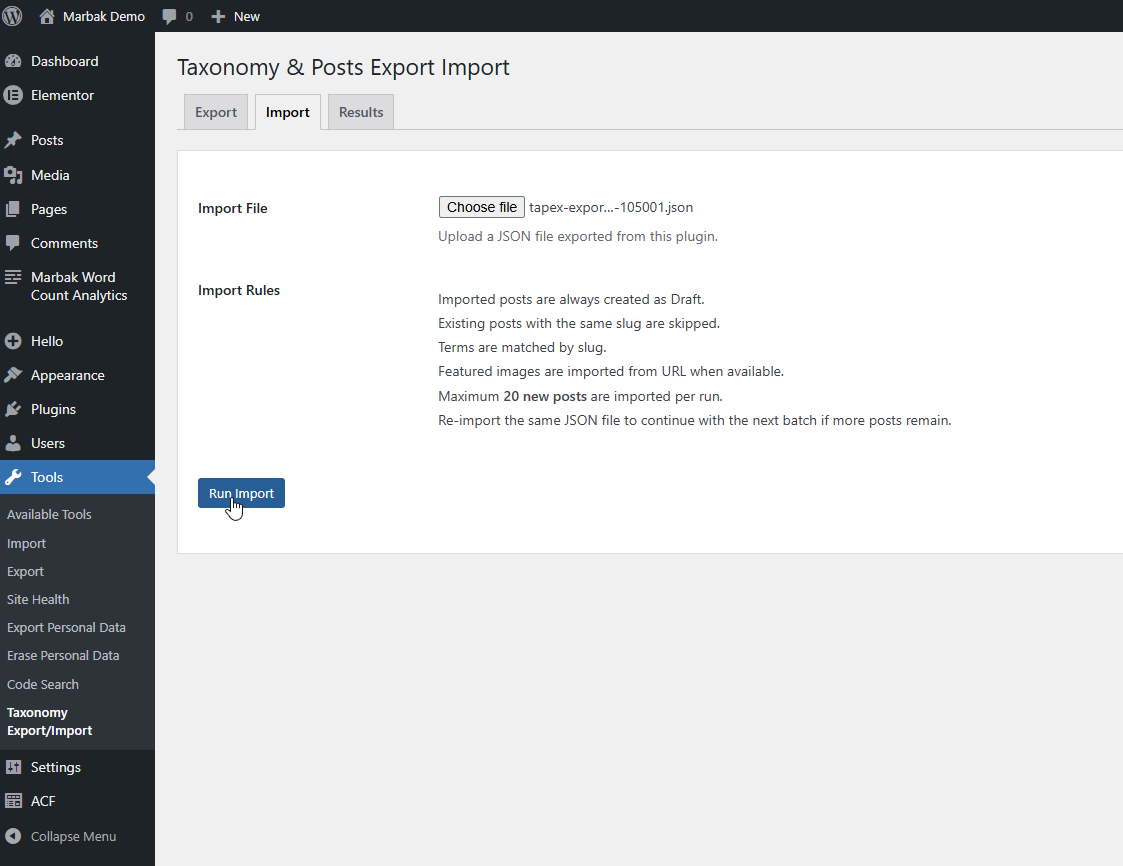
Imported posts are always created as Draft, so they can be reviewed before publishing.
Existing posts with the same slug are skipped to prevent duplicates.
Large imports are handled in batches, with up to 20 posts processed per run. If there are more posts to import, the same JSON file can be uploaded again to continue the process.
Watch a Quick Demo
See Marbak Taxonomy & Posts Transfer in action and learn how to move taxonomy terms and related posts from one WordPress website to another
Use cases
This plugin is useful when you need to move only part of a WordPress site instead of the whole installation.
Common use cases include:
- Moving one taxonomy and its related posts from staging to production
- Reusing structured content across similar client websites
- Moving author, project, case study, location, or resource-based content
- Splitting one larger site into smaller WordPress installations
- Transferring ACF-based taxonomy content between development and live sites
- Testing structured content on a clean WordPress setup before using it elsewhere
It is especially useful for agency and developer workflows where content structure is already prepared and only selected content needs to be moved.
Interface / How it works
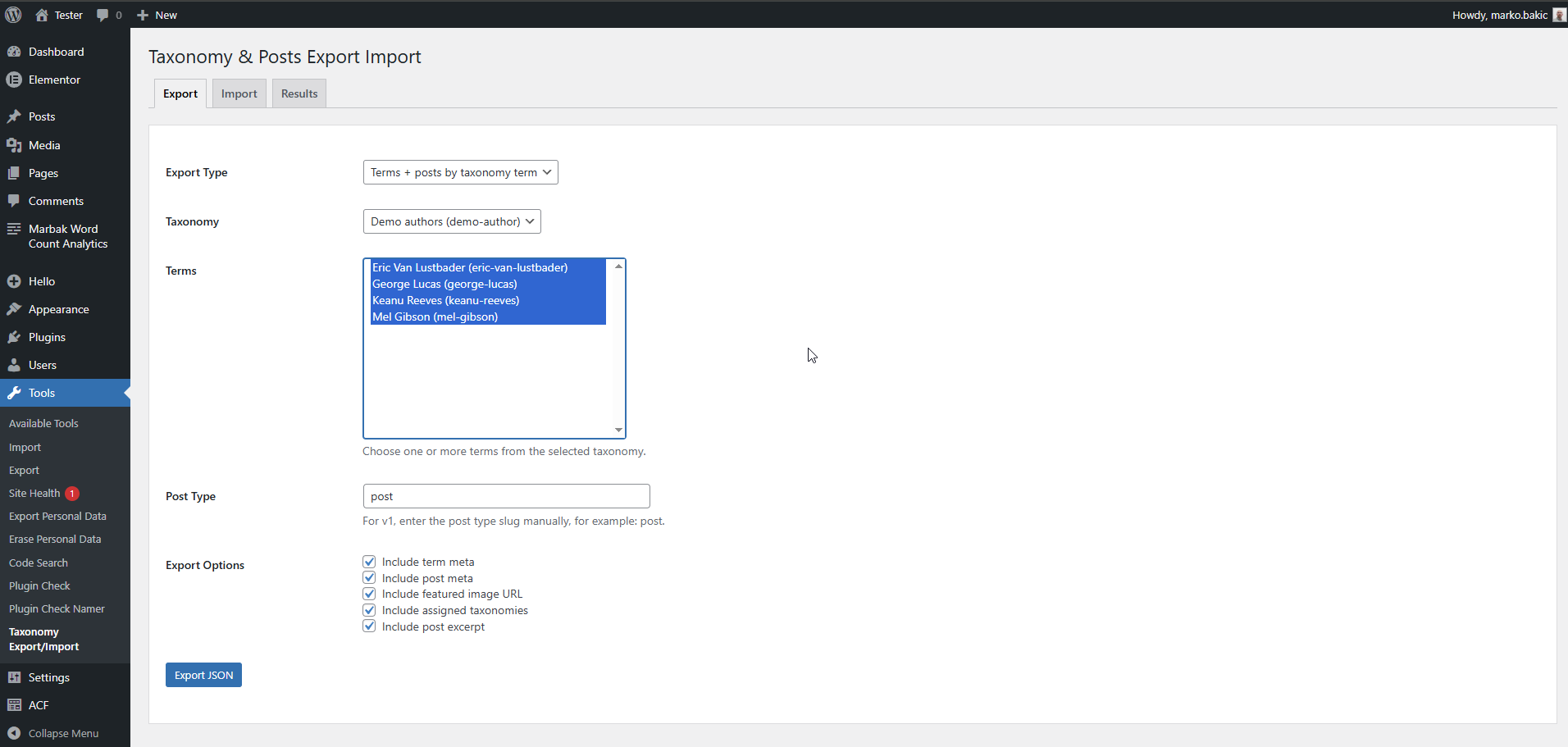
The plugin adds a transfer screen under:
Tools → Taxonomy Transfer
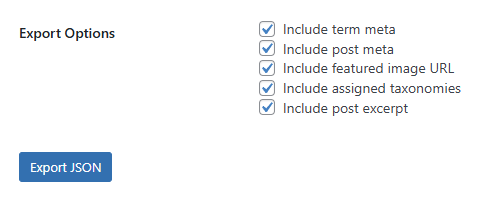
The export screen lets you choose the taxonomy terms you want to export and decide what related data should be included.
The import screen accepts the exported JSON file and processes the import on the destination site.
For larger imports, the process is intentionally split into smaller batches to reduce the chance of server timeouts. Re-importing the same file continues the import, while already imported posts are skipped automatically.
Scope and limitations
This is not a full site migration plugin.
It does not replace database migration tools, and it does not try to move an entire WordPress installation.
The plugin expects the destination site to already have the required structure in place.
That means:
- The same taxonomy should already exist on the destination site
- Any needed custom post types should already be registered
- ACF field groups should already exist if the exported data uses ACF fields
- The plugin transfers content, not the full site structure
That limitation is intentional.
The plugin is meant to do one job: transfer selected structured content between WordPress sites.