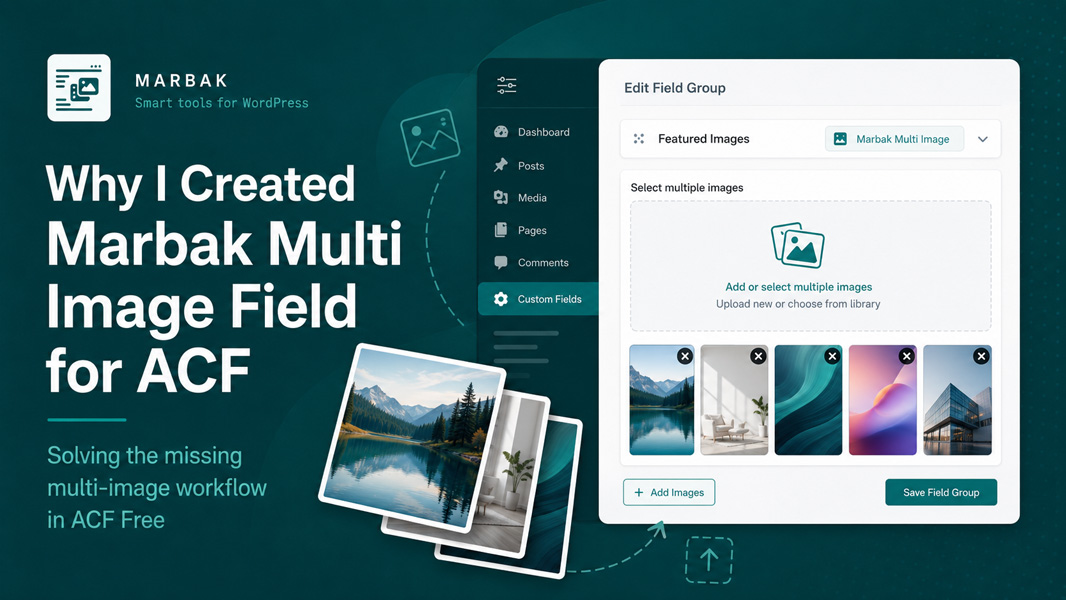
When working with Advanced Custom Fields, there is one limitation that kept coming back again and again in real projects: there is no simple built-in way in the free version of ACF to add and manage a group of images as one clean field.
You can add a single Image field. You can build workarounds. You can move to ACF Pro. But if you just want a lightweight multi-image field for a practical client website or content-driven project, that gap becomes annoying very quickly.
That is exactly why I created Marbak Multi Image Field for ACF.
The problem I kept running into
In many WordPress builds, there is a need for a small image collection that is more flexible than one image and much lighter than a full custom gallery system.
For example:
- author or team image sets
- small project galleries
- grouped visual content inside custom post types
- image collections connected to repeatable content blocks
- Elementor templates that need multiple dynamic images from one field
With ACF Free, that workflow is missing. The standard Image field only handles one image at a time, which means users either have to create multiple separate image fields or rely on more complicated setups than the project really needs.
That may not sound dramatic, but in real development work it creates friction fast.
Why I did not want a bloated solution
The goal was not to create a huge media management plugin.
I wanted something small, clear, and practical:
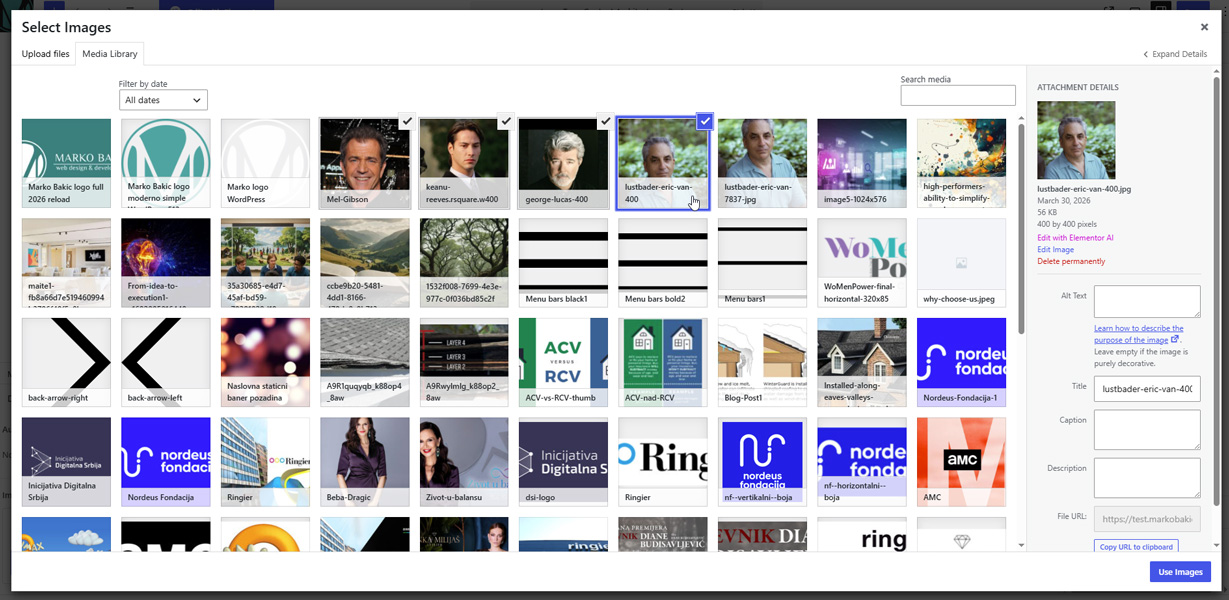
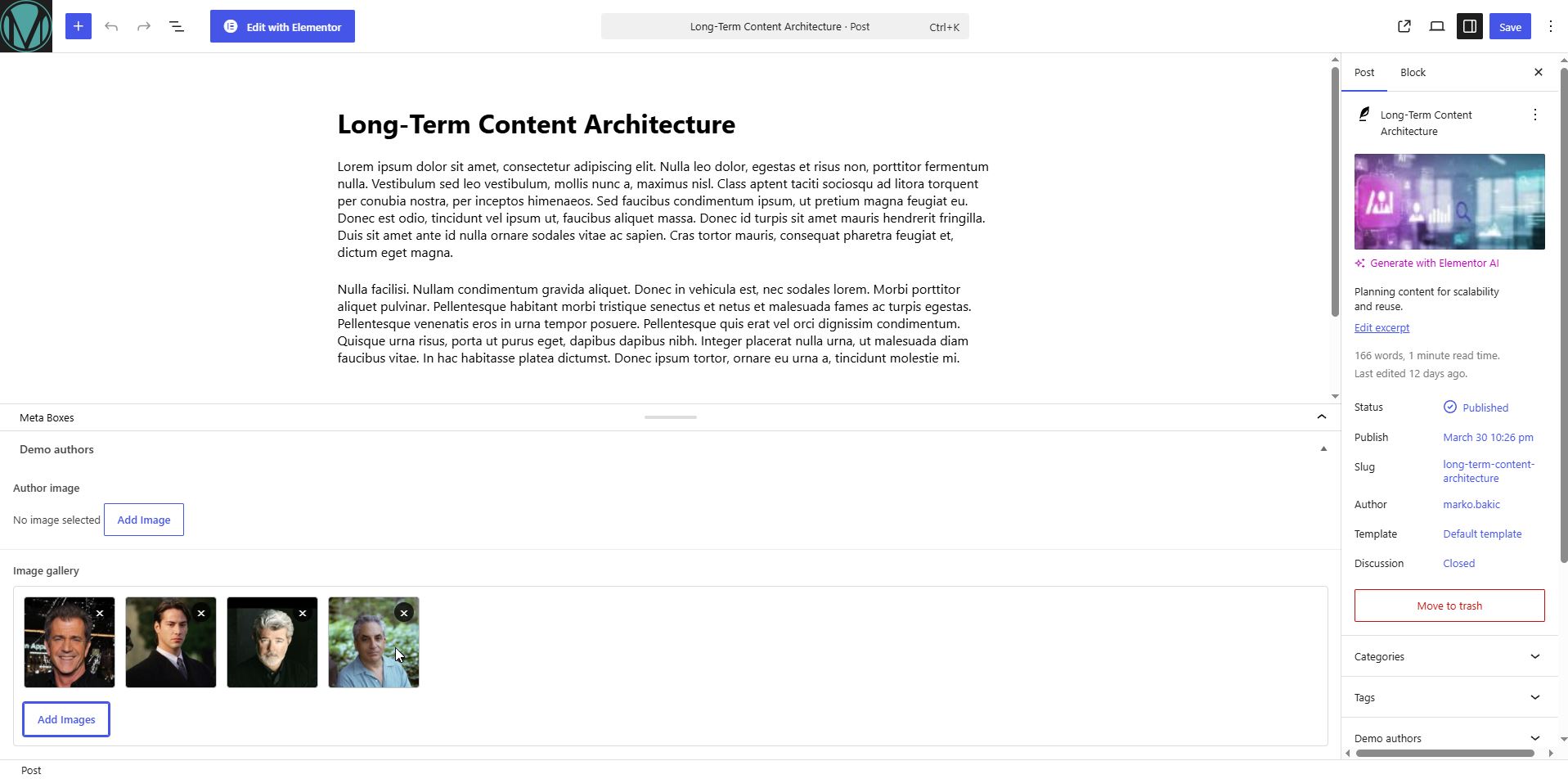
- select multiple images from the native WordPress Media Library
- preview them directly inside the field
- reorder them with drag and drop
- remove images easily
- return the value in useful formats for development output
That is it.
A lot of good plugin ideas come from the same place: not from trying to invent something flashy, but from getting tired of solving the same missing feature over and over again.
What the plugin does
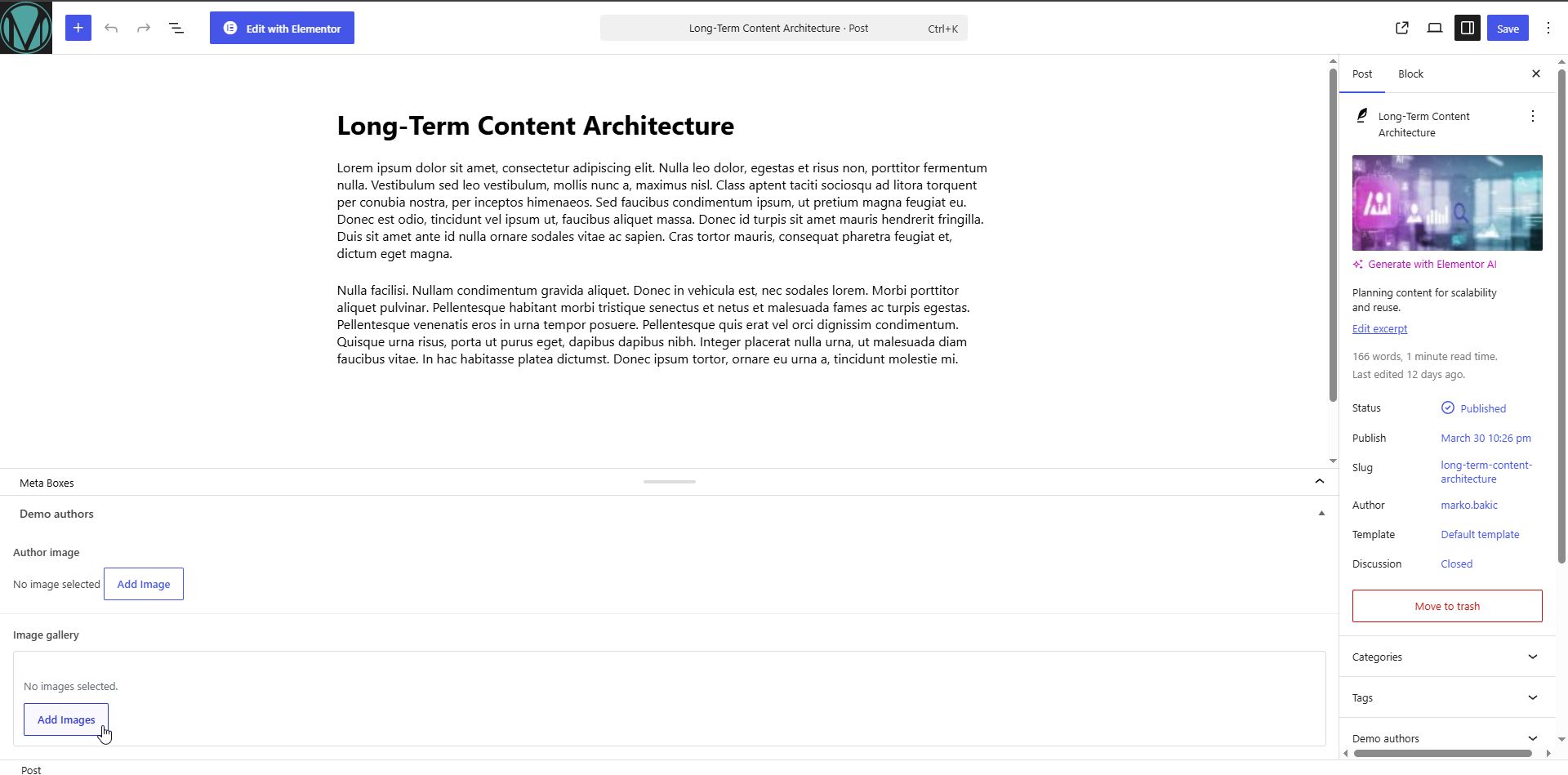
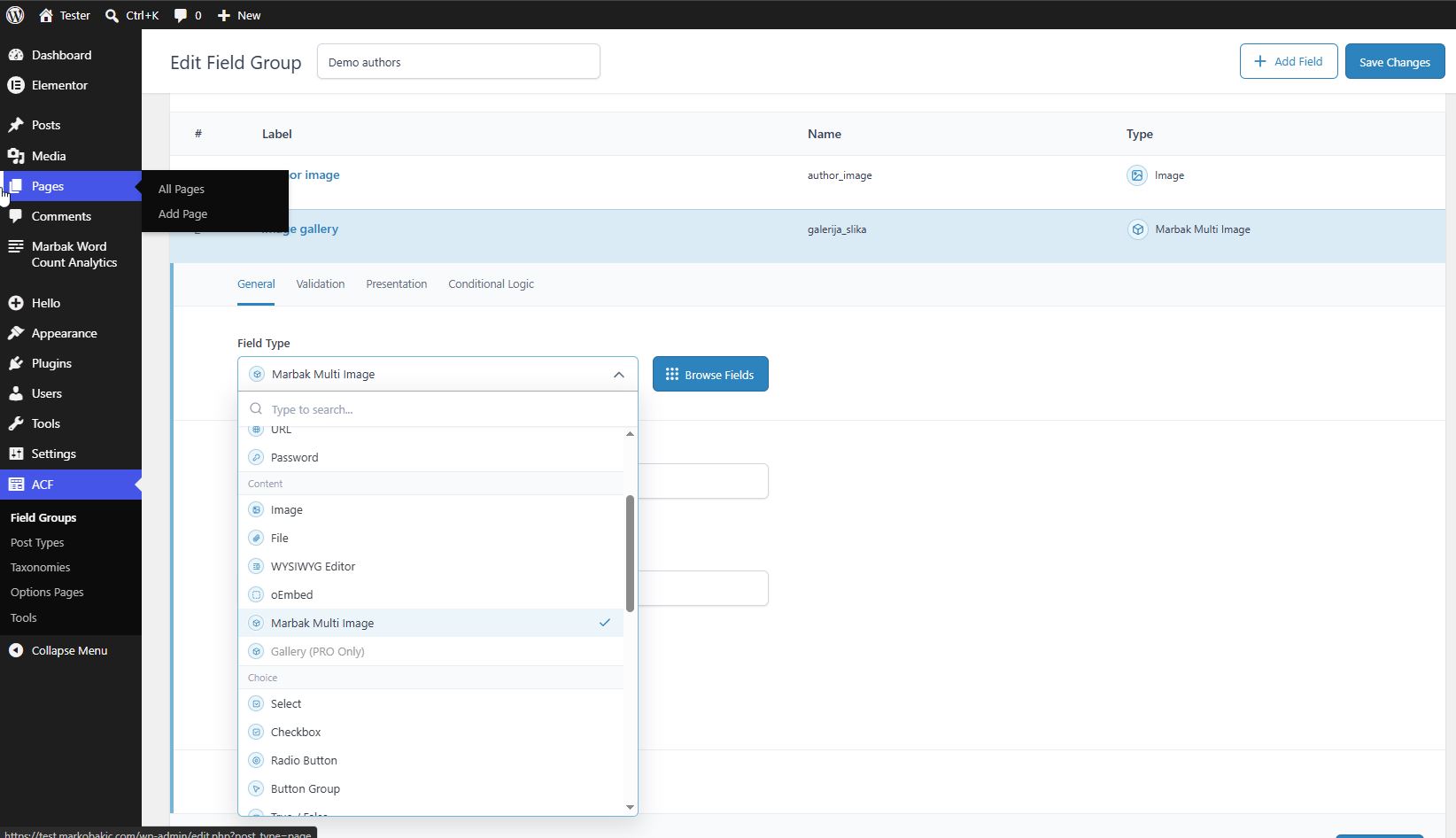
Marbak Multi Image Field for ACF adds a lightweight custom field type to ACF that lets you manage multiple images in one field.
It supports:
- multi-image selection through the WordPress Media Library
- image preview inside the field UI
- drag-and-drop reordering
- remove image action
- return formats as Image Array, Image URL, or Image ID
This keeps the field flexible for different kinds of output, whether the images are used in theme templates, custom loops, or visual builders.
Elementor support was important too
One more reason this plugin became worth building was Elementor.
A lot of ACF-based websites use Elementor templates to display custom content. The problem is that even if you store multiple images in a custom solution, that does not automatically mean Elementor can use them in a clean way.
So I added optional Elementor Pro integration through a custom dynamic tag for gallery-capable widgets.
That means the field is not only useful on the data side, but also practical on the display side.
Why simple plugins are often the most useful
I like plugins that do one job well.
This one is not trying to replace ACF Pro. It is not trying to become a giant gallery framework. It just fills a real gap for people who use ACF Free and need a clean multi-image workflow.
Sometimes the most useful tools are the ones that remove one annoying obstacle from everyday work.
This plugin is exactly that kind of tool.
Final thoughts
I created Marbak Multi Image Field for ACF because I genuinely needed it, more than once, in real WordPress projects.
If you use ACF Free and have ever wished for a simple way to manage multiple images inside one field, this plugin was built for that exact use case.
You can check out the full plugin page here: Marbak Multi Image Field for ACF.