Moving content between WordPress websites sounds simple until you actually need to do it.
Recently, I worked on a project where I had built a custom author system using a taxonomy instead of WordPress users. Each author had a profile with a name, description, featured image, and assigned posts. Everything worked perfectly on the original website, but when the client wanted to move that structure to another site, I discovered that most migration plugins either did too much, too little, or required a paid upgrade for a relatively simple task.
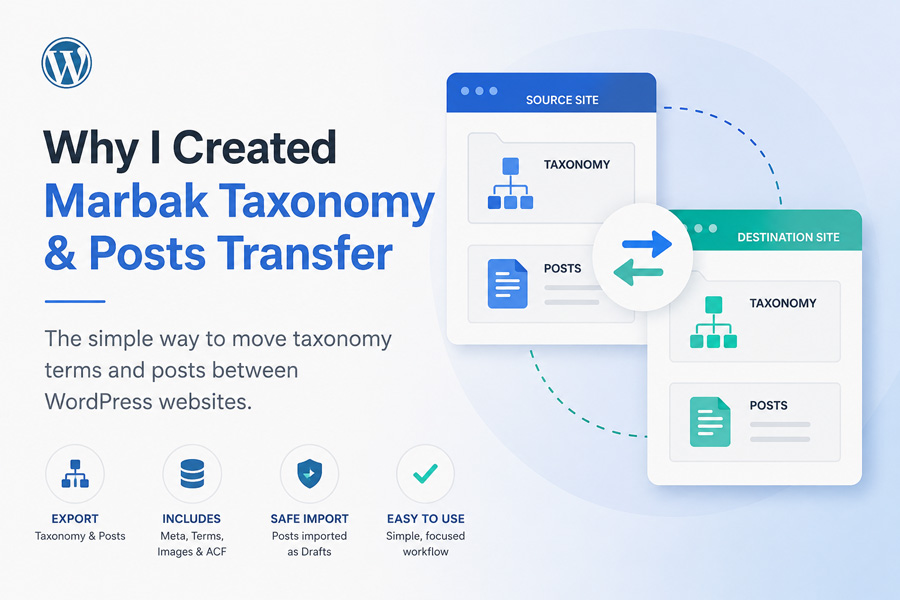
That experience led to the creation of Marbak Taxonomy & Posts Transfer.
The Problem
WordPress offers built-in export and import tools, but they are designed for full content migrations rather than selective transfers.
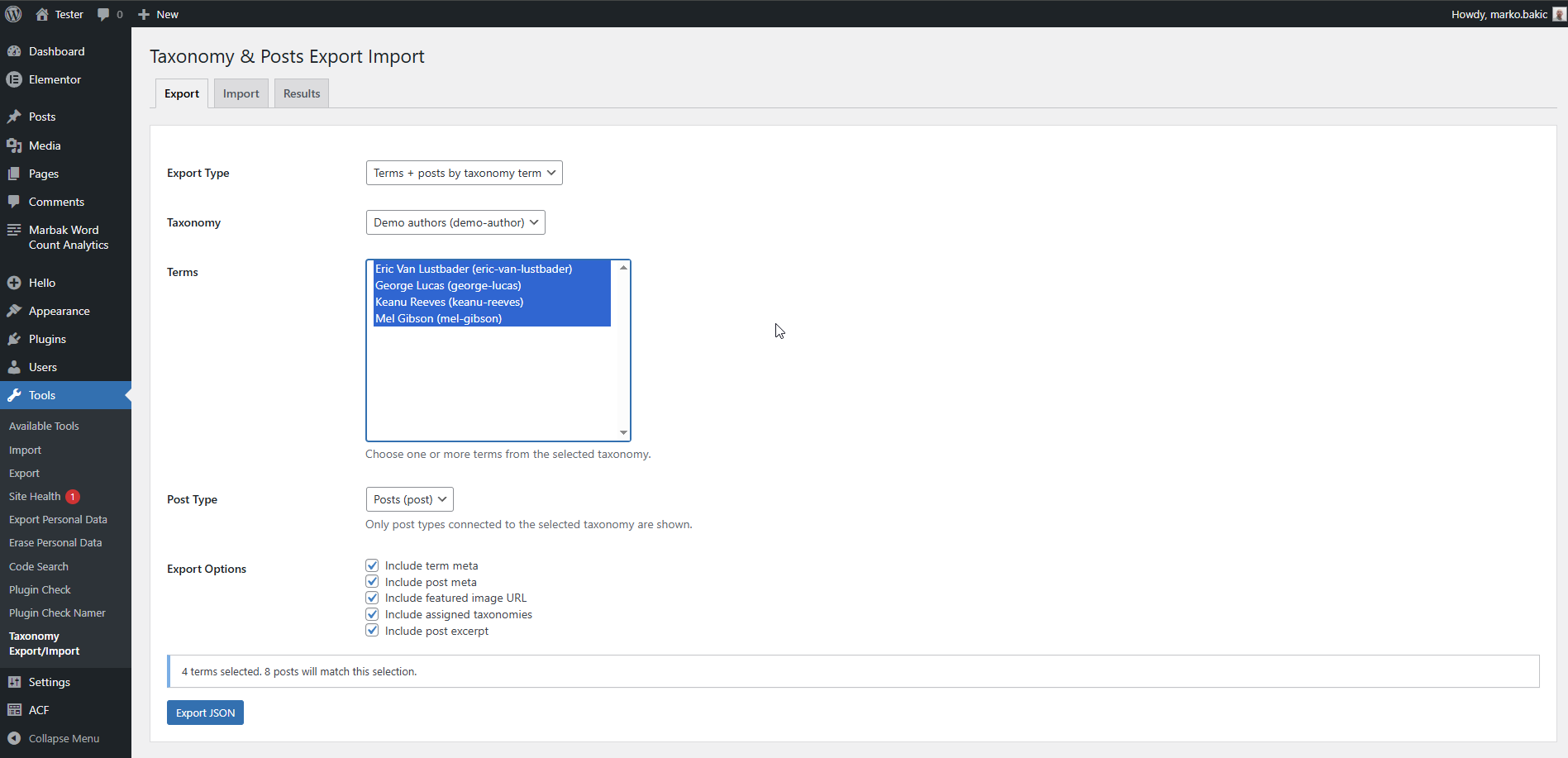
In my case, I wanted to move:
- Selected taxonomy terms
- Posts assigned to those terms
- Term metadata
- Post metadata
- Featured images
- Taxonomy relationships
Many migration plugins focus on complete site transfers, backups, or large-scale migrations. They are powerful tools, but often excessive when you only need to transfer a specific content structure from one site to another.
Other solutions were limited, difficult to configure, or locked behind premium versions.
Video Demo
If you’d rather see the plugin in action first, here’s a short demonstration:
A Practical Solution
Instead of exporting an entire website, I wanted a focused workflow:
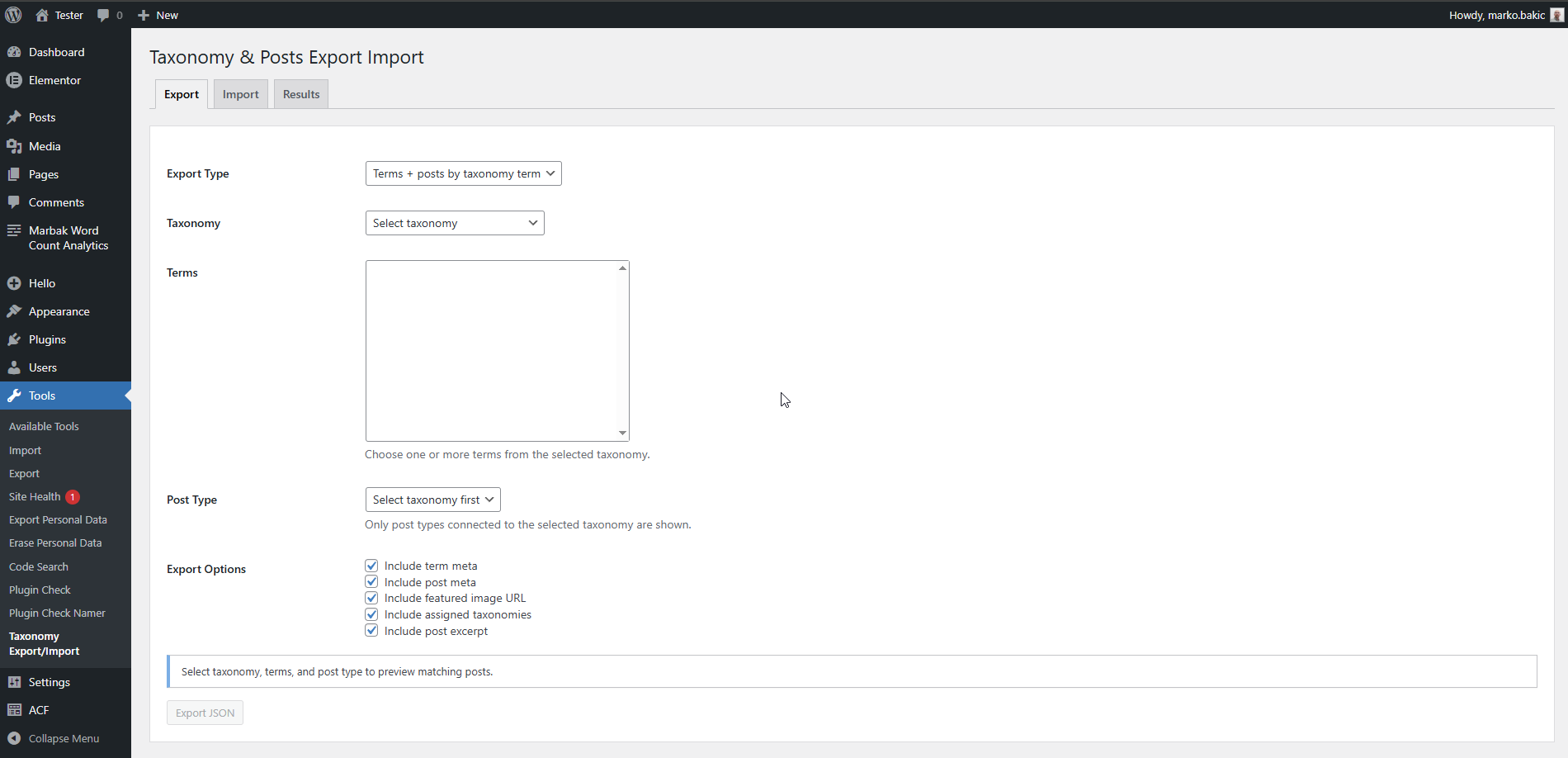
- Select a taxonomy
- Choose specific terms
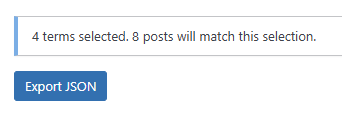
- Export only the related content
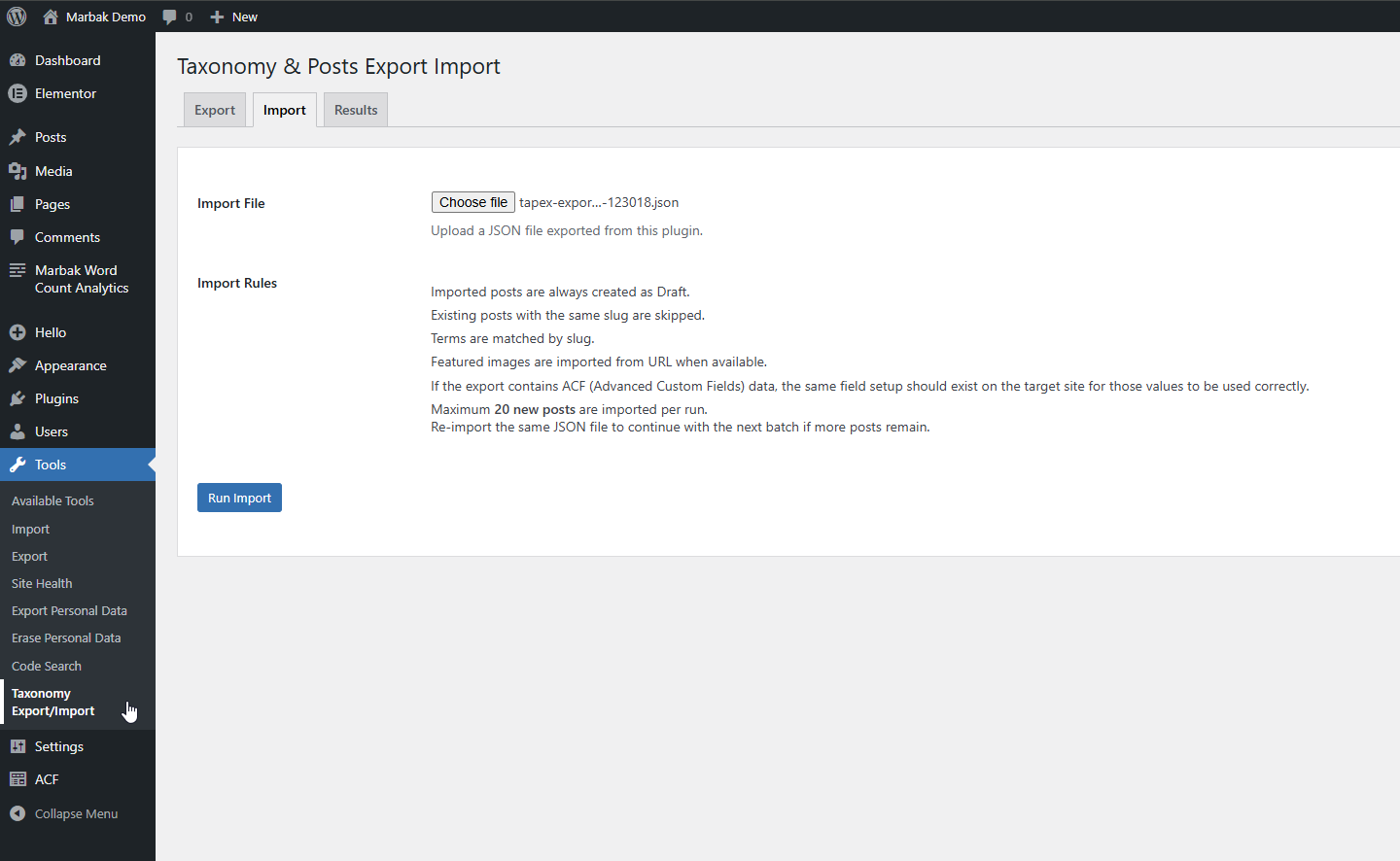
- Import it into another site
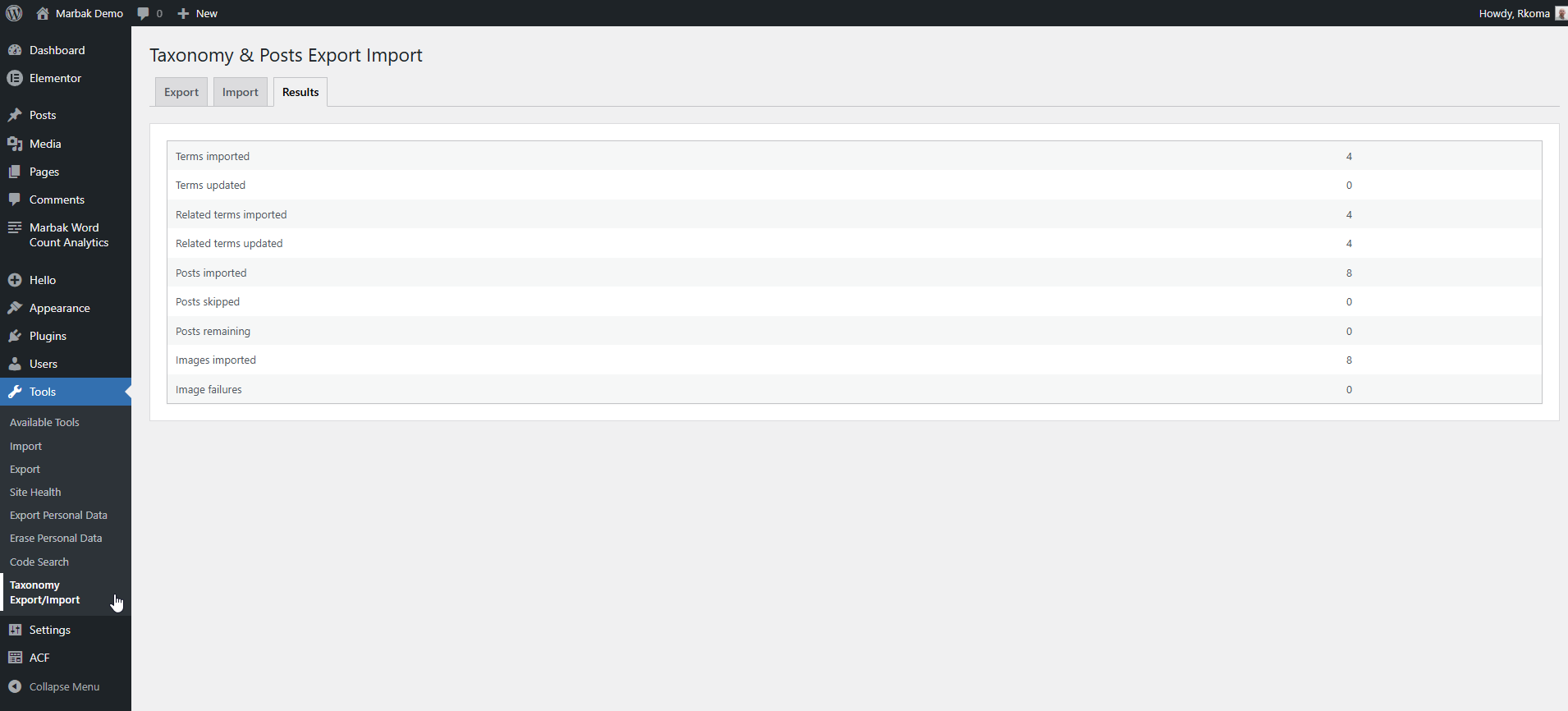
- Review everything safely before publishing
That became the foundation of the plugin.
The goal was not to compete with large migration tools. The goal was to provide a simple utility for a specific job.
Why Imported Posts Become Drafts
One decision I made early in development was that imported posts should always be created as drafts.
When content is moved between websites, there are often differences in themes, plugins, media libraries, and custom fields. Publishing imported content automatically can create unexpected problems.
By importing posts as drafts, administrators can review everything before making it public.
It adds one extra step, but it is a safer workflow.
Built With Custom Taxonomies and ACF in Mind
Many modern WordPress projects rely heavily on custom taxonomies, custom post types, and Advanced Custom Fields.
The plugin was designed to work comfortably with these setups.
It supports:
- Custom taxonomies
- Custom post types
- Term meta
- Post meta
- Featured image URLs
- ACF data stored in term and post metadata
ACF field groups themselves are not transferred and should be exported separately using ACF’s built-in tools.
Real-World Use Cases
Although the plugin started with an author migration project, it can be useful for many scenarios:
- Moving authors between websites
- Migrating categories and related posts
- Splitting content into separate websites
- Transferring content from staging to production
- Reusing content structures across projects
Keeping Things Simple
One of the biggest challenges in WordPress plugin development is deciding what not to build.
It would be easy to add dozens of settings, import modes, overwrite options, and automation features.
Instead, I focused on keeping the workflow straightforward and predictable.
Select. Export. Import. Review.
That simplicity is intentional.
Final Thoughts
Marbak Taxonomy & Posts Transfer was created to solve a practical problem encountered during client work.
Like many of my plugins, it began as an internal tool and eventually became something useful enough to share with the wider WordPress community.
If you regularly work with custom taxonomies, custom post types, and ACF-powered websites, I hope it saves you some time.
You can learn more about the plugin on its dedicated page and download it from WordPress.org.