Over the years I’ve worked on many WordPress projects where I needed to find a specific function, hook, class name, or text string hidden somewhere inside a theme or plugin.
The usual workflow was always the same:
- Connect through FTP
- Download files locally
- Open a code editor
- Run a search
- Repeat every time I needed to investigate something
It worked, but it always felt like unnecessary friction, especially when I only needed a quick answer.
At some point I found myself repeatedly searching for the same types of things:
- Where is this function defined?
- Which plugin contains this text?
- Where is this hook being used?
- What file is generating this output?
I wanted a faster way to answer those questions directly from WordPress.
That is why I created Admin Code Search.
Video Demo
If you’d rather see the plugin in action first, here’s a short demonstration:
What the Plugin Does
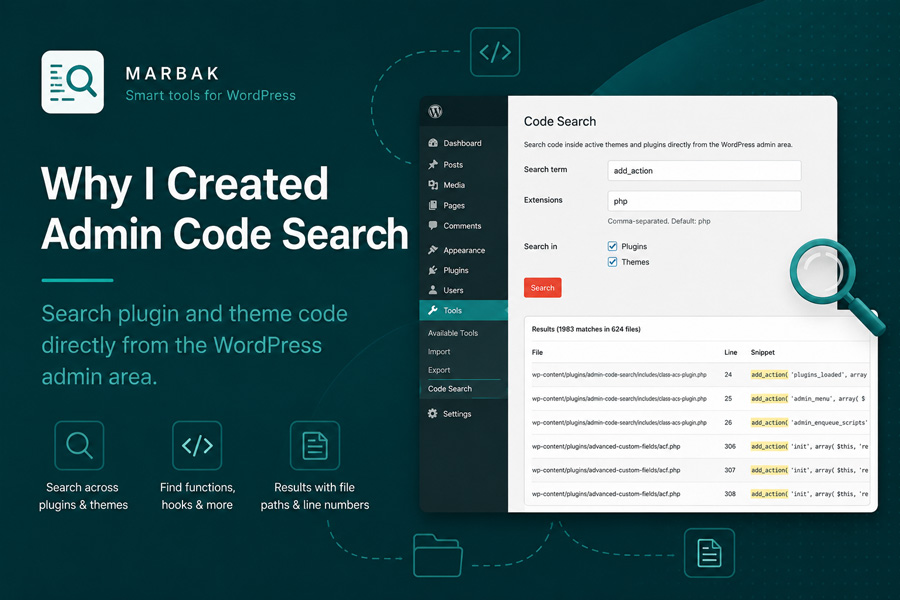
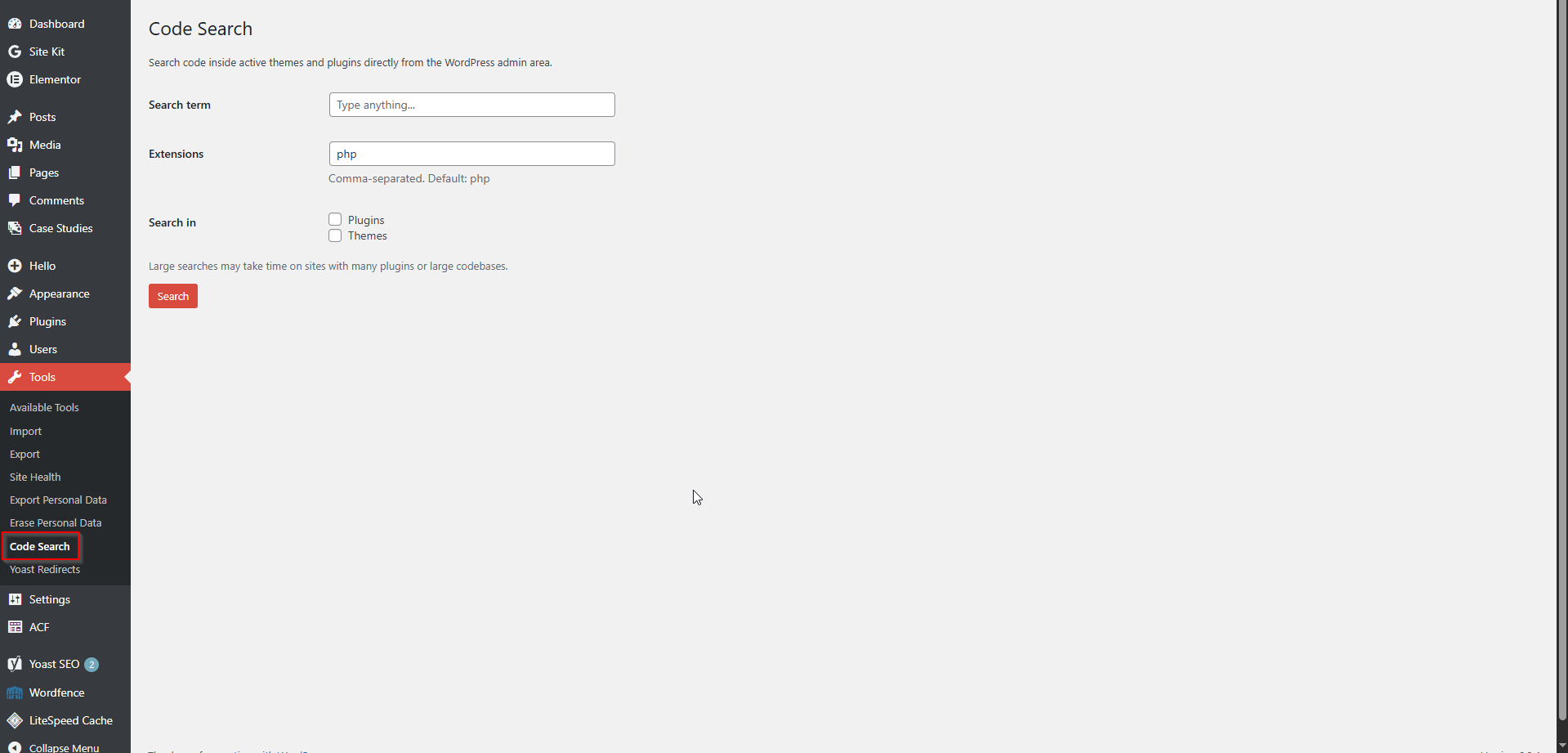
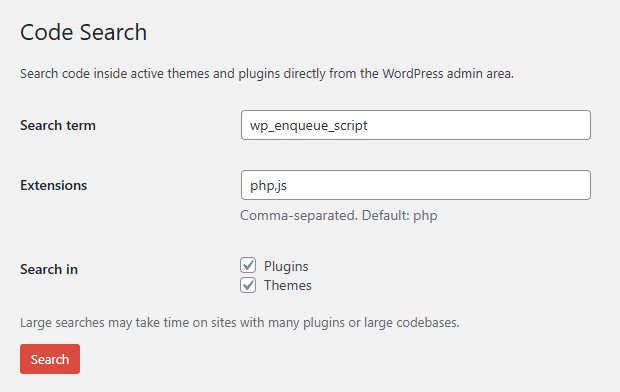
Admin Code Search adds a simple search interface under Tools → Code Search in the WordPress admin area.
It scans active plugins and themes and displays matching results together with:
- File path
- Line number
- Matching code snippet
Instead of leaving WordPress and opening external tools, I can quickly locate what I need from the dashboard.
The plugin supports custom file extensions, highlights matches, and ignores common directories that typically contain generated or third-party code.
Most of the plugins I create solve a problem I run into during real client work.
Admin Code Search is no different.
I didn’t build it because I thought the WordPress ecosystem needed another plugin. I built it because I was repeatedly losing time performing the same search workflow.
Once I started using it myself, I realized it could be useful to other developers, freelancers, and agencies working with WordPress sites.
Typical Use Cases
Some situations where I use Admin Code Search regularly:
- Finding where a function is defined
- Locating
add_action()andapply_filters()hooks - Searching for text strings generated by plugins
- Understanding unfamiliar codebases
- Investigating issues on live sites without downloading files
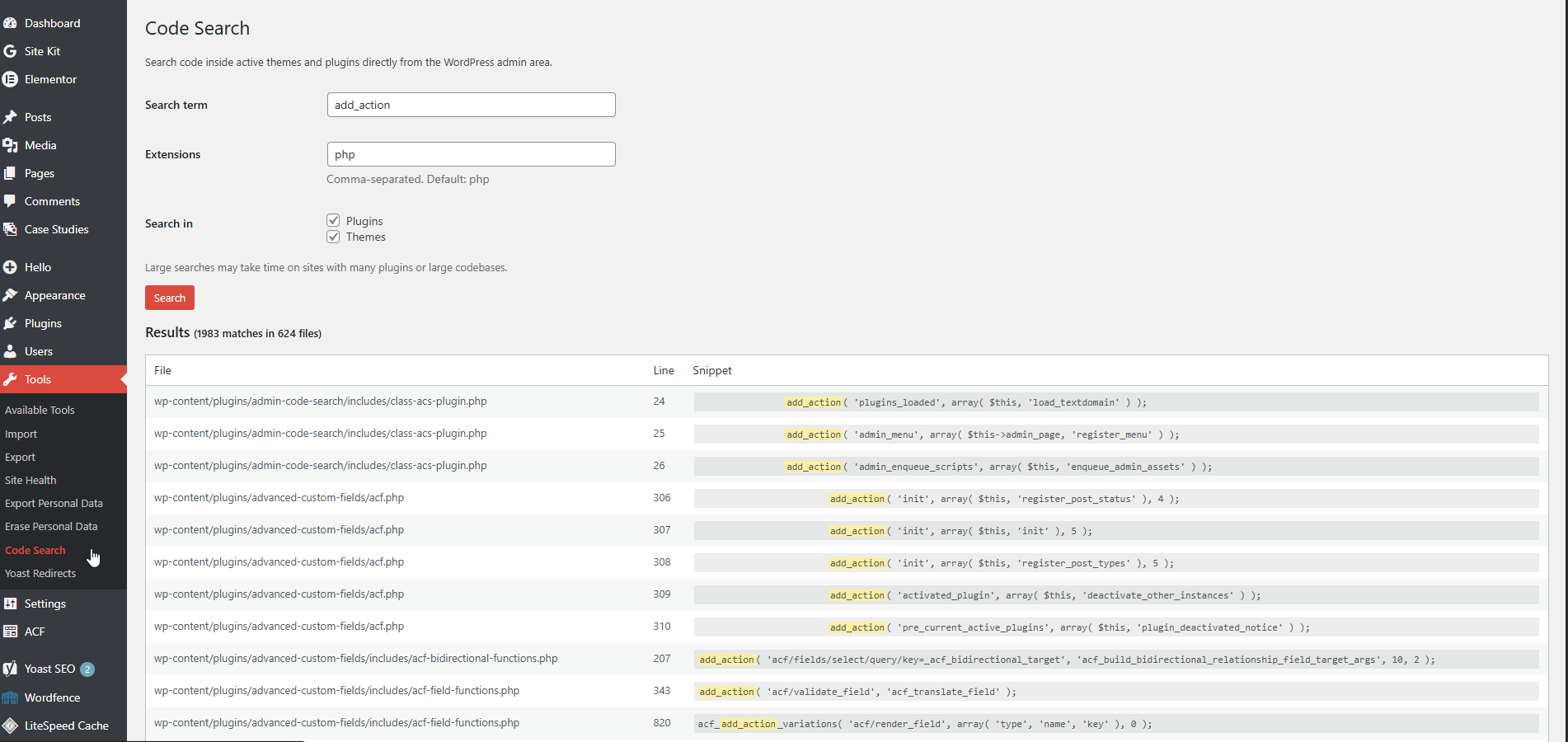
add_action() reveals every matching occurrence together with file paths, line numbers, and highlighted code snippets for quick navigation and debugging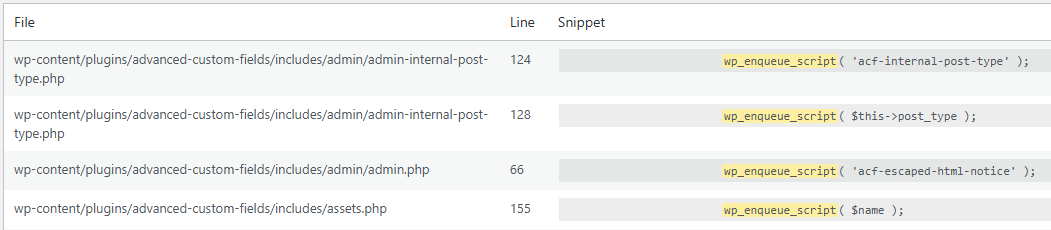
wp_enqueue_script() across large codebasesWhy I Built It
For developer-focused work, those small time savings add up quickly.
A Small Story Behind the Name
Admin Code Search is a bit special among my WordPress plugins.
If you’ve looked through my plugin portfolio, you’ve probably noticed that most of my newer plugins begin with the Marbak prefix.
That wasn’t originally my preference.
When I started publishing plugins on WordPress.org, I preferred short, descriptive names that explained exactly what the plugin did. Admin Code Search was one of the last plugins reviewed under the previous review process, and it was approved with the name I originally chose.
Later, the review process changed and I was required to use a more unique naming convention for new submissions. That’s how the Marbak prefix became part of my plugin naming system.
Because of that, Admin Code Search remains the only plugin in my collection that still carries the exact name I wanted from the beginning.
It’s a small detail, but one I appreciate.
Learn More
If you’d like to try the plugin yourself, you can find additional information, screenshots, and download links on the plugin page: